
The Danger of Default Passwords
Why leaving your router's login as "admin/admin" is the biggest mistake you can make.
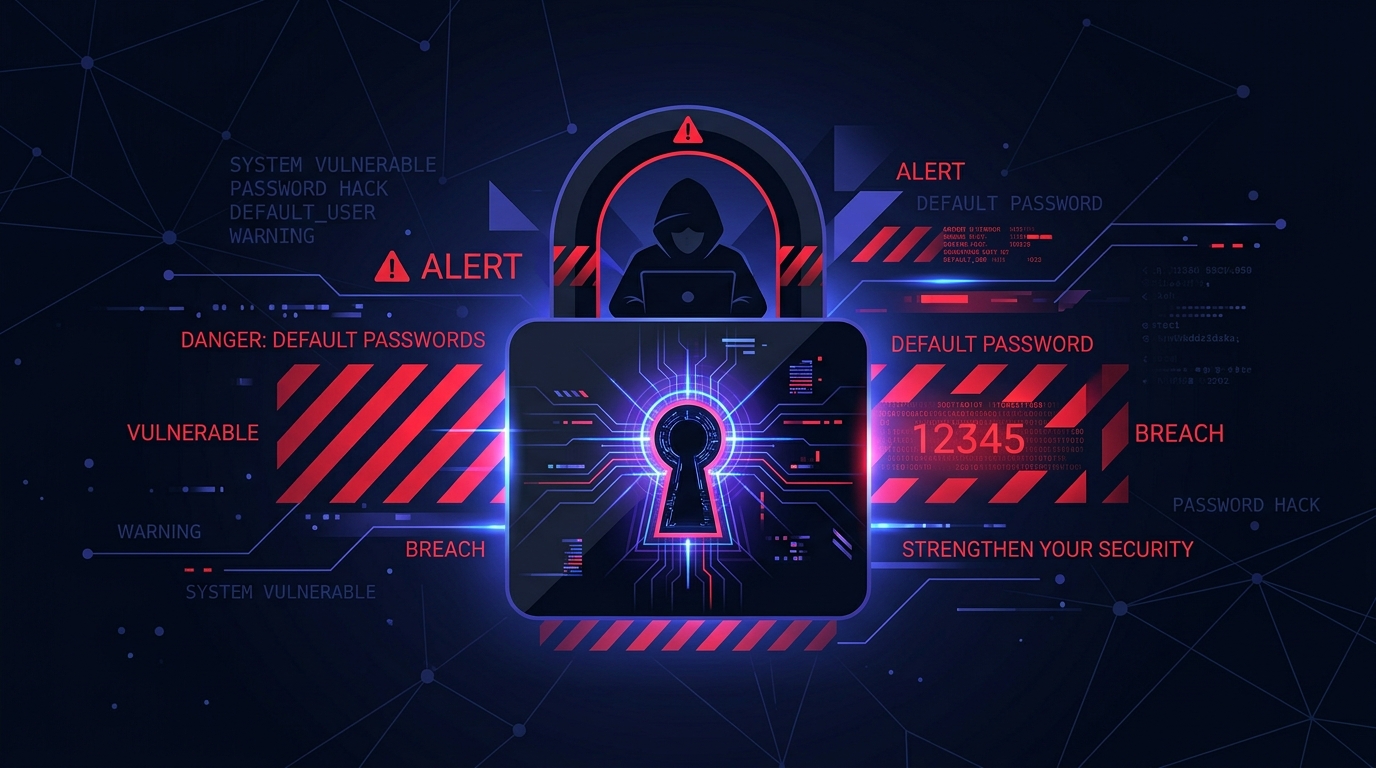
When you unbox a new router, it comes pre-configured with a default username and password (often simply `admin` and `password`). These default credentials are mathematically predictable and publicly documented in databases across the internet.
The Anatomy of an Attack
You might think, "Why would a hacker care about my home network?" The reality is that modern cyberattacks are completely automated. Hackers use automated scripts to continuously scan millions of IP addresses across the internet, looking for open login portals.
When a scanning script finds a router answering on port 80 or 443, it automatically attempts a "dictionary attack" using a list of known default credentials (like admin/admin, root/root, admin/password). If you haven't changed your password, the script breaks in instantly.
The Mirai Botnet: A Cautionary Tale
In 2016, a massive cyberattack took down major sections of the internet (including Twitter, Netflix, and Reddit). The attack wasn't carried out by supercomputers; it was executed by the Mirai botnet—a network of hundreds of thousands of hacked home routers, IP cameras, and smart devices.
How did Mirai hack so many devices? It simply scanned the internet and logged in using 61 common factory default usernames and passwords. Millions of people had never bothered to change their default credentials.
What Happens If Your Router Is Hacked?
Once an attacker gains access to your router's admin panel, they control your entire network gateway. They can:
- Change DNS Settings: They can redirect your web traffic to malicious phishing sites. For example, when you type your bank's URL, your router sends you to a fake site designed to steal your login.
- Open Ports: They can use UPnP or manual port forwarding to bypass your firewall and attack the computers on your internal network.
- Monitor Traffic: They can intercept unencrypted data flowing through the router.
How to Fix It
Securing your router is straightforward:
- Log into your router (typically at 192.168.1.1).
- Navigate to the Administration, Security, or System tab.
- Change the default admin password to a strong, unique passphrase.
- Disable "Remote Management" or "WAN Access" to ensure the login page is only visible to devices physically connected to your home network, not the entire internet.
Need a strong password? Use our Secure Password Generator.