
Securing Smart Home (IoT) Devices
A complete guide to locking down the vulnerable smart gadgets on your home network.
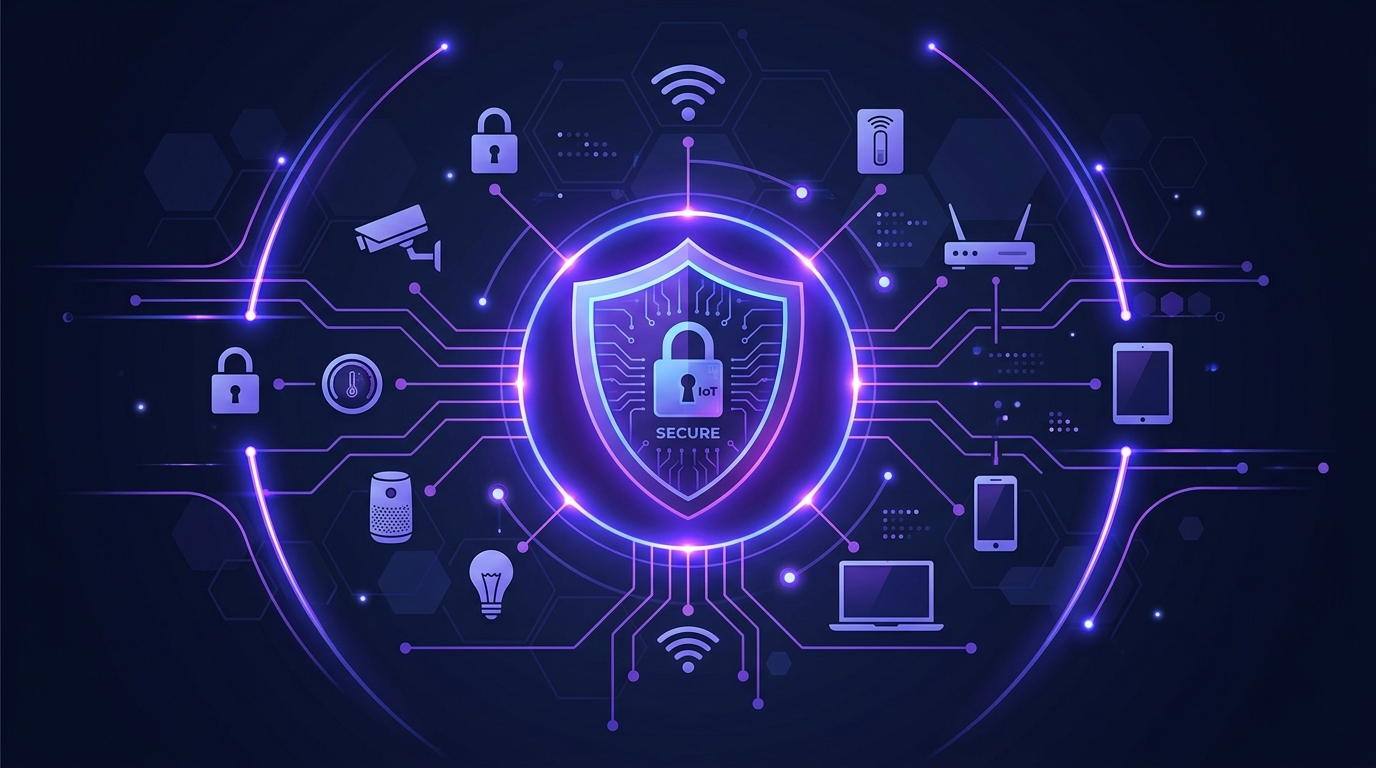
The "Internet of Things" (IoT) brings incredible convenience to our homes. From smart thermostats and Wi-Fi security cameras to connected refrigerators and smart bulbs, these devices make life easier. However, they also introduce significant security risks to your home network.
Why Are IoT Devices Vulnerable?
Unlike your computer or smartphone, which receives regular security updates and runs robust operating systems, many IoT devices are manufactured cheaply with little regard for security. They often feature:
- Hardcoded or easily guessable default passwords (e.g., admin/admin).
- Outdated firmware that cannot be easily updated.
- Unnecessary open ports that expose them to the wider internet.
Hackers constantly scan the internet for these vulnerable devices. Once compromised, your smart TV or camera can be recruited into a "botnet" (a network of hacked devices used to launch cyberattacks) or used as a backdoor to steal personal data from your laptop.
Step 1: Change Default Passwords Immediately
The single most important step you can take is changing the default credentials on every smart device you buy. Never leave a camera or smart hub running on the factory password. Use our Secure Password Generator to create strong, unique passwords for each device.
Step 2: Use Network Segmentation (Guest Networks)
You should not let your smart toaster talk to your personal laptop. Most modern routers allow you to set up a "Guest Wi-Fi" network. We highly recommend connecting all your IoT devices to this guest network instead of your main Wi-Fi.
This is called network segmentation. If a hacker manages to compromise your smart bulb, they will be trapped on the guest network and won't be able to pivot to your main network to steal your banking details or access your private files.
Step 3: Update Firmware Regularly
Manufacturers occasionally release security patches for smart devices. Make it a habit to open the companion app for your smart home devices every few months to check for and install firmware updates. If a device is so old that it no longer receives updates, consider replacing it.
Step 4: Disable Universal Plug and Play (UPnP)
Many routers and IoT devices use UPnP to automatically open ports on your firewall, making setup easier. However, this is a massive security risk, as malicious devices can also open ports to the outside world. Log into your router's admin panel and disable UPnP entirely.
Next Steps
Ready to secure your router? Read our guide on Home Network Cybersecurity 101.